
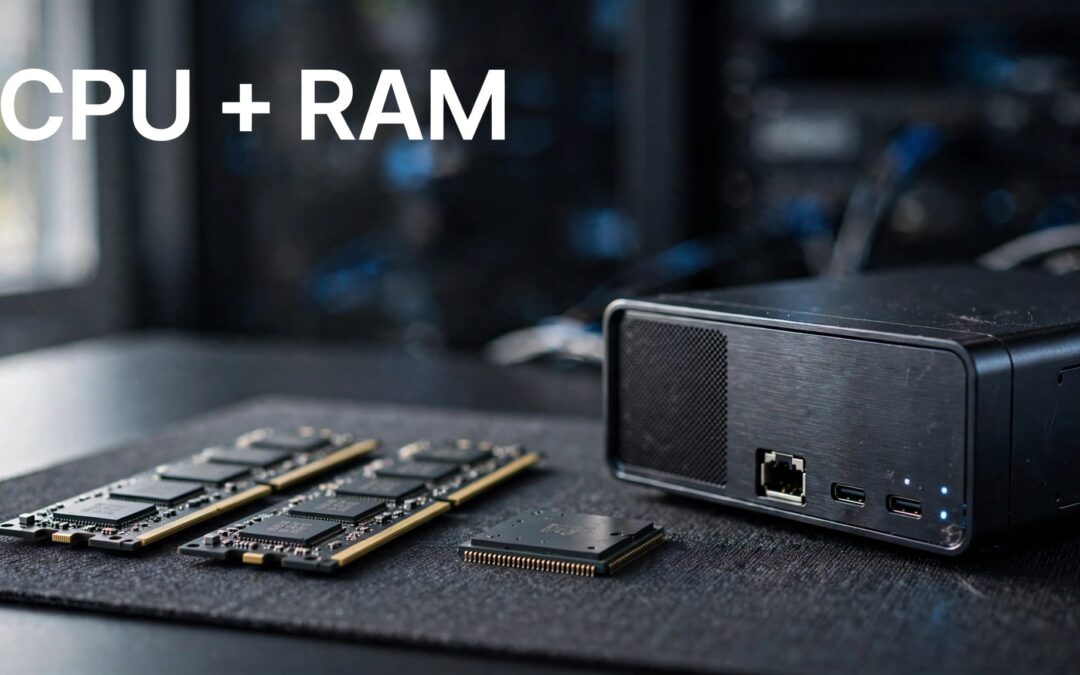
For most small projects, we recommend starting with 2 vCPU and 4 GB RAM. The right VPS CPU and RAM allocation depends more on what your applications do than how many visitors you receive.
A cached blog and a busy checkout can put very different pressure on identical servers. Give your busiest tasks enough room, then leave space for growth. Start with the workload, not the biggest number on the pricing page.
Key Takeaways
- Start most small projects at 2 vCPU and 4 GB RAM, then size around active workloads.
- Leave about 20% memory headroom during normal operation.
- Compare CPU allocation, storage, transfer limits, and management costs alongside the headline specifications.
VPS CPU and RAM: Starting Specs by Workload
These are our recommended starting points for a Linux VPS, not guaranteed capacity limits.
| Workload | vCPU | RAM | Suggested storage |
|---|---|---|---|
| Small WordPress site or blog | 1 to 2 | 2 to 4 GB | 40 to 80 GB NVMe |
| WooCommerce or builder-heavy WordPress | 2 to 4 | 4 to 8 GB | 80 GB+ NVMe |
| Small n8n deployment | 2 | 4 GB | 40 to 80 GB SSD |
| Docker and several self-hosted apps | 2 to 4 | 4 to 8 GB | 80 to 160 GB SSD |
| Game server | 4+ | 8 GB+ | 80 GB+ SSD |
| Multiple websites and applications | 4+ | 8 to 16 GB | 160 GB+ SSD |
A simple, cached site can work comfortably near the lower end. WooCommerce, page builders, imports, and plugin-heavy operations deserve at least 4 GB.
Storage allowances must also cover the operating system, logs, database growth, and temporary files. Backups need their own capacity plan.
Our VPS hosting options include Linux and Windows configurations, with larger plans available as your workload grows. Check whether each plan includes root access and DDoS protection.
Why RAM Often Runs Out First
CPU work can wait in a queue. Memory allocation is less forgiving: when applications need more than the server can provide, the system pages memory to disk or applications fail.
Budget for the whole server
The application doesn't get every gigabyte on the label. Linux, the web server, database, PHP workers, monitoring, and caches all need memory.
Allow roughly 1 to 2 GB for a cPanel or Plesk hosting stack, depending on enabled services. That can leave a 2 GB VPS squeezed before meaningful website traffic arrives.
MySQL buffers, PostgreSQL connections, and Redis caches need explicit budgets too. We aim to keep normal memory demand below about 80%, with room for imports and traffic spikes.
Use available memory rather than the raw "free" figure. Linux uses spare RAM for reclaimable cache, as the Linux Foundation's memory guide explains.
Turn traffic into a memory budget
Monthly visits won't size PHP workers. Estimate simultaneous dynamic requests using requests per second multiplied by average processing time.
Then multiply concurrent workers by measured peak memory per worker. Add the operating system, database, and background services. Divide that total by 0.8 for headroom.
A 4 GB plan therefore gives you roughly 3.2 GB for normal demand. A PHP limit of 256 MB applies per process, not across the entire website.
Raising WordPress's memory limit doesn't create server RAM. Several busy PHP workers can exhaust a VPS even when each stays below its own limit.
Give Automation, Containers, and Games Enough Room
n8n needs room for active executions
For a small n8n deployment, we recommend 2 vCPU and 4 GB RAM. Each active execution keeps working data in memory.
A large JSON webhook can occupy 150 to 300 MB during processing, depending on transformations and copied data. Concurrent executions multiply that demand.
Limit concurrency, trim unnecessary payload fields, and avoid passing large files through every node. For busier production deployments, we favor PostgreSQL over SQLite. More RAM won't remove SQLite's database-locking limitations.
PostgreSQL still needs its own memory allocation. Moving the database doesn't make it resource-free.
Docker and game servers grow differently
For Docker, start around 2 to 4 vCPU and 4 to 8 GB RAM. Add every application's documented requirements, include the host, then add 25% headroom. Idle containers can still retain memory.
Games need a different lens. A small vanilla Minecraft server for friends can run with 4 GB. Heavy modpacks can need 16 GB or more.
For Minecraft and many Java-based game servers, strong single-thread performance and clock speed matter more than a large core count. Four fast vCPUs can be more useful than eight slower ones.
Avoid assigning all available RAM to Java's heap. The operating system and other server processes still need breathing room.
Look Beyond the Numbers on the Plan
Shared CPU can change performance
Shared vCPU plans divide physical CPU time among virtual servers. Dedicated vCPU reserves CPU capacity for your instance, which helps sustained workloads.
Budget plans may also be burstable. Briefly hitting 100% CPU doesn't mean you can sustain that load indefinitely.
Some hosts allocate physical CPU capacity at ratios of 4:1 or higher. Allocation ratios alone don't reveal actual contention.
CPU steal time measures time your vCPU waits while the hypervisor runs something else. In top, look for st; the top manual explains CPU states. Persistent steal time alongside slow responses suggests host contention, although it doesn't prove overselling.
Check which dedicated resources a plan guarantees, since dedicated CPU doesn't by itself guarantee dedicated storage performance. CPU generation, virtualization, RAM allocation, and storage guarantees remain separate buying decisions.
Storage and bandwidth affect capacity too
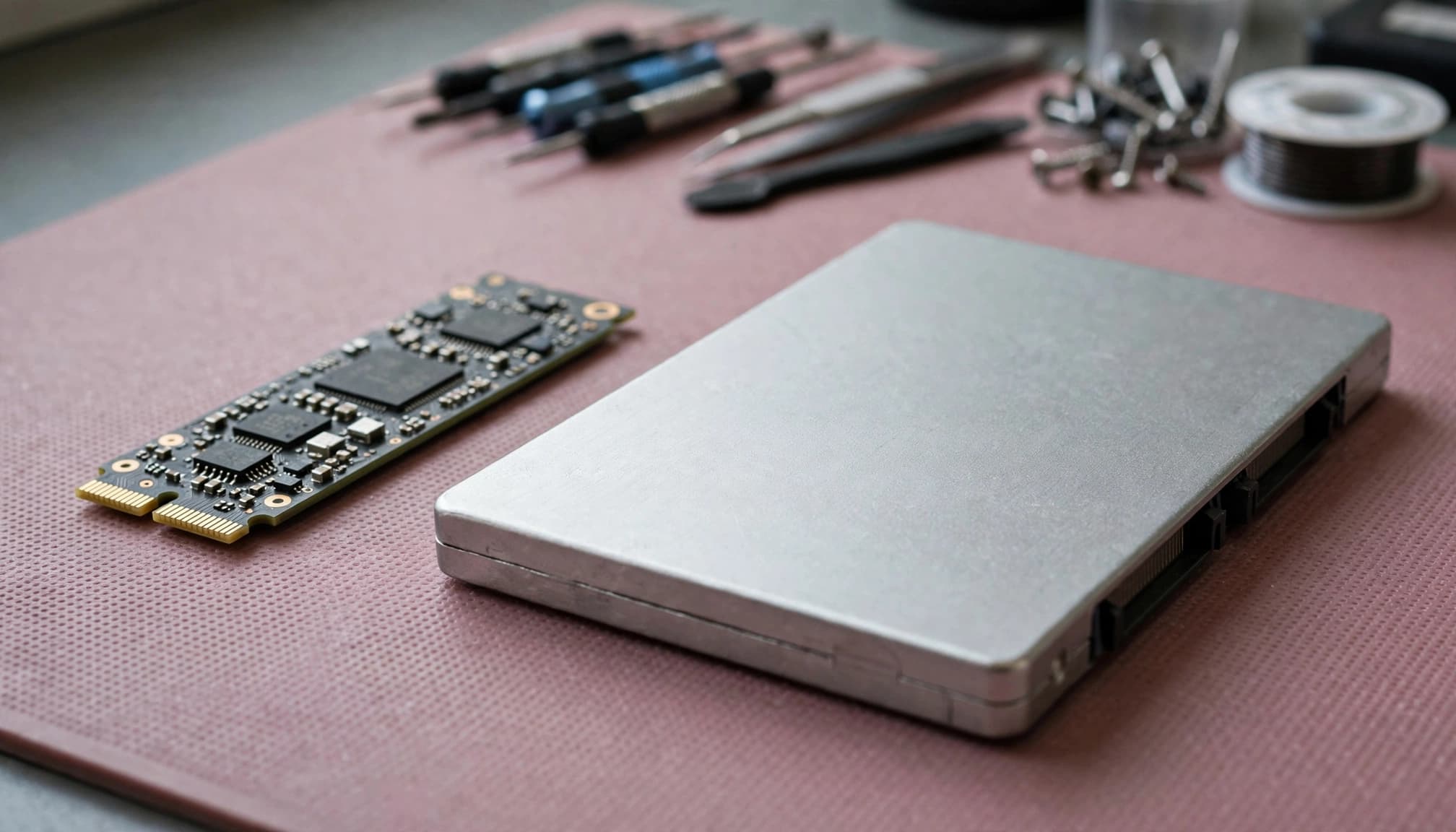
SATA SSD figures around 10,000 to 15,000 IOPS and NVMe figures above 100,000 illustrate possible differences, not guaranteed VPS performance. Queue depth, caching, and shared storage change results.
Database-heavy sites benefit most from low storage latency. Faster disks won't repair inefficient queries.
Port speed and transfer allowance also differ. A 1 Gbit/s port paired with 3 TB of traffic still has a monthly transfer cap. Include throttling rules and overage costs in your comparison.
Measure Before Paying for an Upgrade
Read the signals during busy periods
Run top to identify CPU-heavy processes and inspect steal time. Use free -h for available RAM and paging activity.
Run vmstat 1 during representative traffic. Ignore its first report when assessing the live interval. The vmstat manual defines its fields, including paging-in and paging-out activity, I/O wait, and steal time.
Sustained CPU saturation points toward processing demand. Persistent paging activity suggests memory pressure. High I/O wait points toward storage or disk-heavy work.
Watch checkouts, scheduled backups, imports, and workflow bursts. An idle dashboard tells you little about peak capacity.
Use swap as protection, then fix the cause
Minimal VPS images often arrive without swap. Adding 2 GB of swap can help absorb a short memory spike and prevent Linux from killing MySQL.
Swap is slower than RAM, even on NVMe. Regular swapping means the server needs tuning, fewer concurrent jobs, or more memory.
When failures start, inspect kernel logs for out-of-memory kills. Reduce worker counts, stagger imports, and cap containers before another crash.
A site memory error can also be a PHP limit rather than exhausted system RAM. Our WordPress memory troubleshooting guide helps separate those problems.
If demand still exceeds capacity after cleanup, upgrade the resource that's actually constrained.
Choose a Plan That Fits the Work
A lower starting price is useful only when the plan can run your workload.
Our VPS hosting plans list a 1 vCPU, 1 GB RAM, 20 GB SSD option at $4.99 per month. That's a lightweight entry point, not our default recommendation for a production store.
The listed 2 vCPU plan provides 4 GB RAM and 100 GB SSD storage at $24.99 per month. That matches our starting recommendation for many small websites and applications.
Compare the full bill, including the operating system, control panel licensing, backups, management, security services, and scaling costs. SSD storage also shouldn't be mistaken for an NVMe guarantee.
We recommend self-managed VPS hosting when someone owns updates, security, restores, and incident response. If you mainly want to publish and sell, managed hosting may be the easier fit. More VPS CPU and RAM won't reduce administration by themselves.
Common VPS Sizing Questions
What is a KVM-based VPS?
KVM means Kernel-based Virtual Machine. It lets Linux act as a hypervisor, with each guest running its own operating system kernel.
KVM doesn't automatically mean dedicated physical cores. Resource allocation still depends on the plan. SUSE's virtualization best practices explain why host configuration and workload placement matter alongside guest specifications.
Can a VPS run Windows?
Yes, a Windows VPS can run it when the service supports Windows images and licensing. We budget at least 4 GB for a light Windows workload and 8 GB or more for applications and comfortable desktop use.
That's a practical starting recommendation, not an installation minimum. A minimal Linux server generally leaves more memory available for applications.
Is 32 GB RAM enough for virtual machines?
It can be, but guest count alone doesn't answer the question. Add the active memory needs of every VM, then reserve capacity for the host and virtualization overhead.
Four guests allocated 8 GB each leave no room on a 32 GB host. Running VMs inside a VPS also requires nested virtualization support.
Buy Enough Headroom, Then Grow With Demand
For most small projects, a VPS hosting plan with 2 vCPU and 4 GB RAM is a sensible starting point. A Windows VPS may need more memory, and your busiest tasks determine when scaling makes sense.
We recommend buying measured headroom, not extra specifications out of fear. Match memory to concurrent work, and check CPU clock speed and whether the plan includes dedicated resources. Confirm your VPS includes root access, DDoS protection, and a control panel.
Choose the plan that keeps your website responsive when it matters, then plan for scaling when the numbers justify it.