
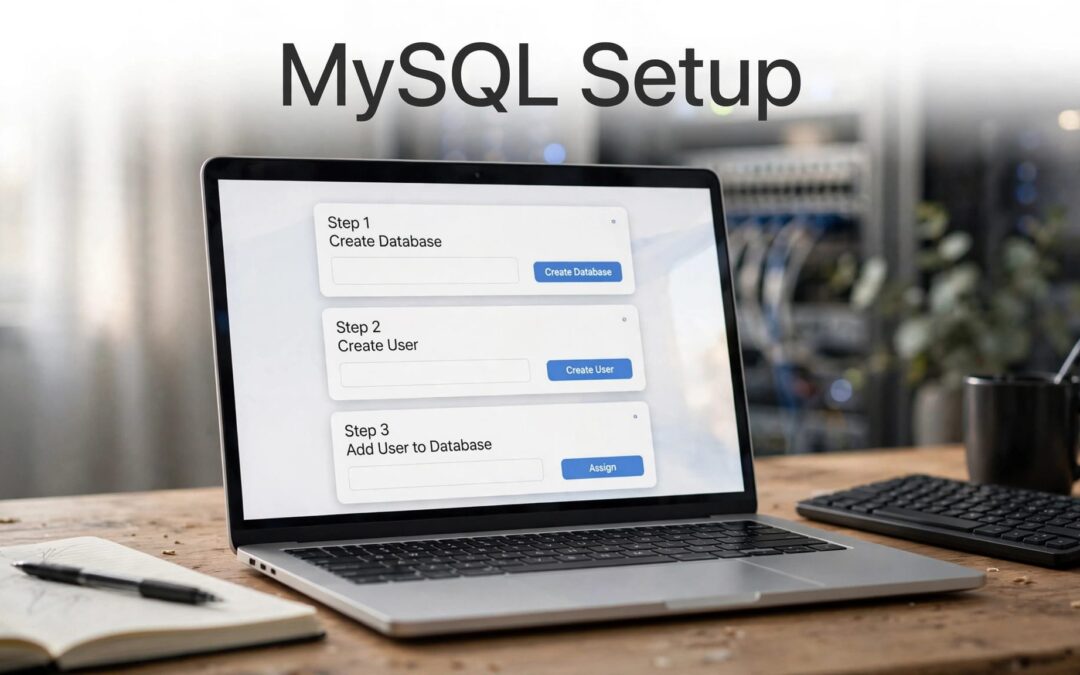
A MySQL database in cPanel gives your website a place to store content, settings, and user information. You can create the database and its user in a few steps, then grant the access your application needs.
For your first setup, use the MySQL Database Wizard. It guides you through naming the database, creating a user, and assigning access. Before you begin, check your account-specific database prefix and character limits so your names fit the rules.
Create a database and user in cPanel
The MySQL Database Wizard is the simplest route for a first database. The MySQL Databases interface is also useful when you want to create a database and user separately or manage existing users.
Use the MySQL Database Wizard
- Sign in to cPanel and open MySQL Database Wizard in the Databases area.
- Enter a name and continue. cPanel may add your account's database prefix automatically.
- Create a database user, then set a strong password. Use Password Generator and save the generated password securely.
- Continue to the privileges screen and select the permissions the application needs. For a typical application installation, follow the application's setup instructions.
- Finish the guided setup. It grants the user access to the database you created. Back in cPanel, check Current Databases and confirm the new entry appears.
The cPanel Database Wizard documentation describes the guided process for MySQL and MariaDB. The exact screen layout can vary by cPanel version, but the key steps are the same: database, user, password, privileges.

Use the MySQL Databases interface
If you prefer to do each part in the main interface, open MySQL Databases in cPanel. Under Create New Database, enter a name and create it. For the Create User step, select Add New User and set a strong password.
Find Add User to Database, choose the user and database from their menus, and select Add. cPanel then opens the privileges screen. This interface gives you a clear view of the database and user as separate items, which can help when you're working with an existing setup.
Write down the full identifier, username, and password in a secure place. Your application will need the same credentials, including any prefix cPanel adds.
Add a user to a database and set privileges
A database user must be attached to the correct database before an application can use it. Creating a user alone doesn't grant access.
Attach an existing user
In MySQL Databases, go to Add User to Database. Select the existing user and the database, then choose Add. If the user isn't listed, create one first under Add New User.
When the privileges screen appears, choose the permissions the application requires. If the application's instructions call for full access, use All Privileges. If they specify particular permissions, grant only those. The right choice depends on what the application needs to do with its data.
Check access when a connection fails
If an application can't connect after setup, check the basics before changing database contents. Confirm that the full identifier and username include their cPanel prefixes, that the saved password is correct, and that the user is assigned to the intended database with the required privileges.
A password change can also leave an application using an old credential. cPanel doesn't reveal a stored database password, so if you've lost it, set a new password and update the application's configuration to match.
Understand database and username length limits
Names that look short can run into cPanel's limits because account prefixes count too. The exact username limit depends on whether the server runs MySQL 5.6, MySQL 5.7, or MariaDB. Under MariaDB, a longer cPanel account username leaves less room for the database username.
| Name or server version | Limit and prefix details |
|---|---|
| Database name | Up to 64 characters; each underscore counts as two characters toward the limit |
| Database name with prefixing enabled | Up to 63 characters in total, including the prefix and underscore |
| MySQL 5.6 database username | Up to 16 characters total; the prefix uses eight account-name characters plus an underscore, or nine characters |
| MySQL 5.7 database username | Up to 32 characters total; the prefix uses 16 account-name characters plus an underscore, or 17 characters |
| MariaDB database username | Up to 47 characters total; the prefix uses the full cPanel account username plus an underscore |
For a prefixed name such as example_database, count the database prefix and separator toward the full name limit. The underscore also uses two characters of the database-name limit. cPanel's MySQL Databases documentation and version-specific wizard notes explain these limits.
If you administer the server through WHM, Force short prefix for MySQL and MariaDB databases in Tweak Settings limits the prefix to eight characters. Force short prefix also prevents creating new cPanel accounts whose usernames share the same first eight characters. That rule helps avoid prefix conflicts, but it affects account creation, so it's a server-level setting to handle with care.
For WordPress sites, the database prefix also appears in table names and configuration. If you're managing a WordPress prefix, see our guide to changing the WordPress database prefix safely.
Why you shouldn't create databases in phpMyAdmin
Use cPanel's database tools to create databases and database users. phpMyAdmin doesn't map databases created there into cPanel's database-management system. That can cause problems with cPanel backups and restorations.
phpMyAdmin is useful for working with tables and data after a database exists. It's not the right place to create the database or its user. Keeping setup inside cPanel gives the account tools the information they need to manage the database properly.
For additional guidance on access and safer database work, read our article on phpMyAdmin security in cPanel. Strong account credentials and a backup before major changes make database tasks easier to recover from.
Check, repair, or rename a database safely
cPanel includes tools for checking and repairing databases. Before a major change, create a backup you can restore. This is especially important before renaming a database.
Check and repair tables
Open MySQL Databases and find the database you want to inspect. Use Check Database to look for problems. If cPanel identifies corruption, choose Repair Database for that database.
A Check Complete or Repair Complete message confirms that the operation finished. It doesn't replace a backup, so keep a restorable copy before maintenance. For a WordPress-specific repair walkthrough, see our guide to repairing a WordPress database using cPanel.
Rename a database with care
MySQL doesn't rename a database directly. Instead, cPanel creates a new database, moves the data, recreates grants and stored code, then deletes the old database. In cPanel, the rename process can terminate active connections, so a website or application using the database may be interrupted.
Before renaming, back up the database. Afterward, update configuration files that refer to the old identifier. The user and its privileges also need to be in place on the replacement database. Check the application once the changes are complete.
Key takeaways
- Use cPanel's guided setup for a first MySQL database setup; it creates the database and user, then grants access.
- Prefixes count toward name limits, and username limits vary by MySQL or MariaDB version.
- Create databases and users through cPanel, not phpMyAdmin.
- Back up before repair or rename operations, and update application configuration after a rename.
Frequently asked questions
How do I create a MySQL database and user in cPanel?
Open the guided setup, name the database, create a user and password, then assign privileges and finish. The setup tool automatically grants that user access to the database.
How many characters can a database name have?
The standard maximum is 64 characters, with each underscore counting as two. When database prefixing is enabled, the full database name has a 63-character maximum, including the prefix and underscore.
How long can a database username be?
The total limit is 16 characters for MySQL 5.6, 32 for MySQL 5.7, and 47 for MariaDB. The account prefix and underscore count toward each limit.
Why shouldn't I create a database in phpMyAdmin?
phpMyAdmin doesn't map databases into cPanel's system. Creating one there can interfere with cPanel backups and restorations, so use MySQL Databases or the setup tool instead.
Set up your database with confidence
A working database setup comes down to three things: a valid name, a user with the right privileges, and credentials your application can use. Keep the cPanel prefix in your records, and make a backup before maintenance.
If you're choosing a hosting setup for a site that uses cPanel, compare cPanel hosting and website builder options to find a fit for the way you want to manage your website.