
A stuck WordPress cron job can throw off the quiet work that keeps a site moving. Scheduled posts miss their window, emails stop sending, backups get delayed, and the admin dashboard starts feeling a little off.
When this happens, we do not need a reset button and a long panic spiral. We need a clean way to find the broken event, remove it, and stop it from clogging the queue again.
What a stuck cron job looks like
WordPress uses its own pseudo-cron system, so scheduled tasks usually run when someone loads the site. That setup works fine until one job fails, hangs, or keeps rescheduling itself in a bad state.
Common signs are easy to spot:
- a scheduled post stays in “missed schedule”
- plugin tasks never finish
- backups or imports keep failing at the same time
- the same cron event appears again and again
One failed event can hold up everything behind it.
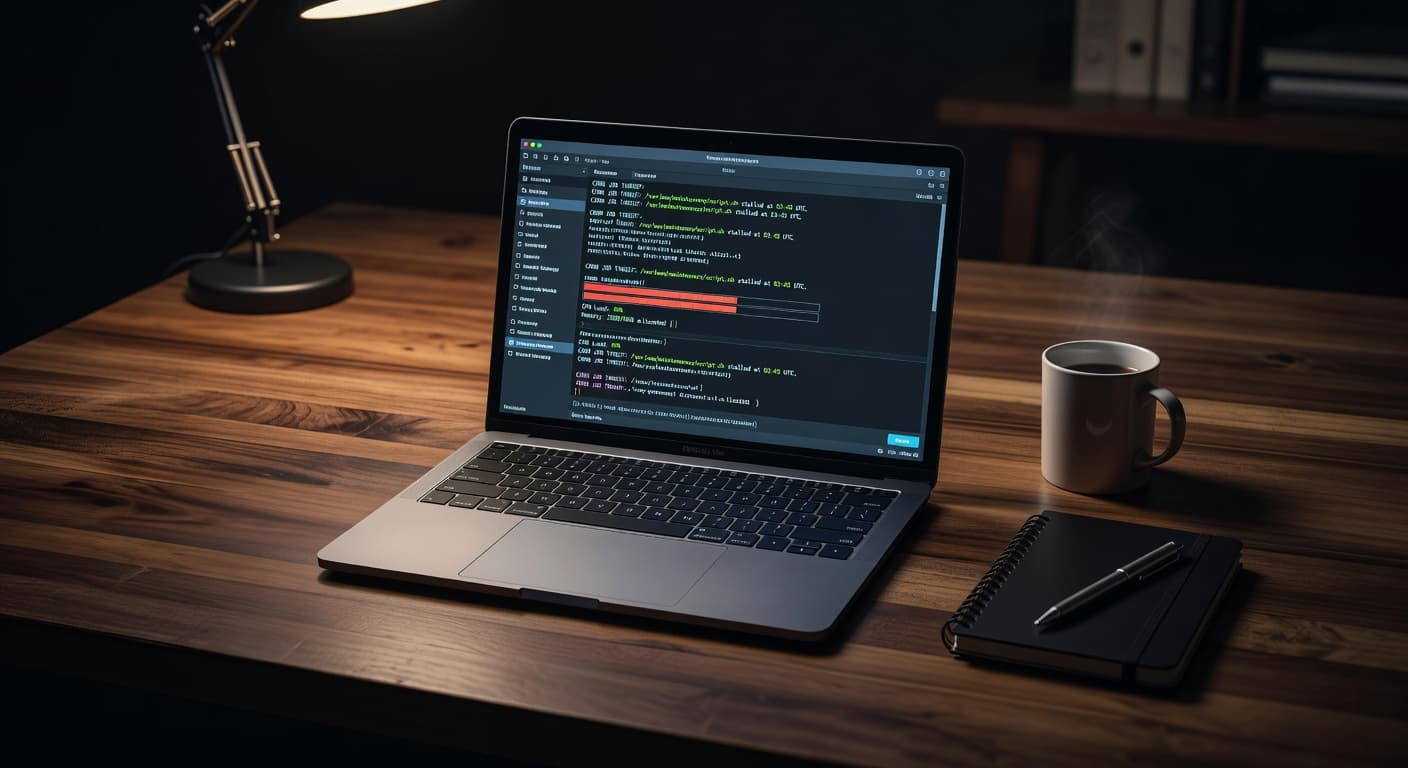
We can usually confirm the problem in the WordPress dashboard, especially in Site Health or a cron management plugin. If we want a quick reference on event monitoring, the notes in WP Crontrol plugin guidance are useful and easy to follow.
Check the event before we remove it
Before we delete anything, we need to know what the job is doing. A cron event tied to a backup plugin is a different story from one tied to a gallery import or an email queue.
We start by checking three details:
- The hook name tells us which plugin or theme created the event.
- The recurrence shows whether it should run once or repeat.
- The next run time tells us whether WordPress thinks it is late, skipped, or stuck in the past.
If the hook name looks unfamiliar, we pause and search the plugin list. Most of the time, the owner is hiding in plain sight. A useful WordPress StackExchange discussion on strange cron behavior shows how often the issue comes down to a bad schedule, a duplicate task, or a plugin conflict.
Once we identify the source, we can decide whether the event should be removed, rescheduled, or left alone. That small check saves us from deleting something important by accident.
Clear the stuck WordPress cron job safely
Now we clear the jam. The cleanest path depends on how the job is behaving, but the order stays the same.
- Back up the site first.
If a task touches orders, emails, or customer data, we want a rollback point. - Deactivate the related plugin if needed.
If the job keeps reappearing, the plugin may be recreating it on every load. - Delete the broken event in a cron manager.
In tools like WP Crontrol, we can remove a single event or edit the schedule if the timing is wrong. - Check for duplicates.
Sometimes the real issue is not one stuck job, but three nearly identical ones fighting each other. - Test the task after removal.
We want to see a clean next run time, not another missed schedule.
If the event comes back right away, the problem is deeper than the queue. At that point, we look at the plugin code, the theme, or the server setup. That is where proper hosting support matters, because a host that understands WordPress can spot resource limits, bad cron timing, and server-side conflicts faster than a guess-and-check approach.
Keep the queue moving on a better setup
A stuck cron job is often a symptom, not the whole problem. Low traffic sites can delay WP-Cron. Heavy plugins can slow it down. Weak hosting can make every scheduled task feel heavier than it should.
Here is a quick way to think about the common causes:
| Cause | What it looks like | What we do |
|---|---|---|
| Low site traffic | Scheduled jobs run late or not at all | Set up a real server cron instead of relying on visits |
| Plugin conflict | One task keeps failing or respawning | Deactivate the plugin and test again |
| Resource limits | Long-running jobs time out | Move to stronger hosting or reduce the task load |
The takeaway is simple. If a site keeps running into cron trouble, we should not keep patching the same wound. We should fix the schedule, tighten the setup, and give the site a better home.
That is where strong WordPress hosting earns its keep. With backups, security, and human support in place, we spend less time babysitting broken tasks and more time running the site.
Conclusion
A stuck cron job does not have to turn into a long debugging session. We can check the event, remove the broken task, and confirm that the queue is clean again.
If the problem keeps returning, the real answer is usually better scheduling, better plugin hygiene, or better hosting. A stable setup gives us fewer surprises and a lot less cleanup.