A hacked website can lose trust faster than it loses traffic. When we compare website firewall vs malware scanner, the real issue is simple: do we want to block trouble early, or find it after it lands?
For small business sites, we usually need both. In 2026, attackers use AI-written phishing, cheap ransomware kits, and automated scans to find weak plugins, bad passwords, and open forms. So, if we’re choosing hosting or security add-ons, we need to know which tool protects what.
Why this choice matters more than most owners expect
Small business sites rarely have a security team on standby. We have pages to update, orders to fill, and marketing to run. Because of that, security often becomes an afterthought until a site starts redirecting visitors, sending spam, or showing warnings in search results.
A firewall and a malware scanner solve different problems. As Windstream’s overview of firewalls and virus monitoring explains, one layer focuses on blocking bad traffic, while the other looks for harmful files and code. That gap matters when every hour of downtime costs sales.
The current threat mix makes this more urgent. AI-driven phishing now helps attackers steal admin logins faster, and ransomware kits make cleanup more expensive for smaller teams. When our site is tied to bookings, leads, or checkout, we don’t want protection that starts only after damage shows up.
What a website firewall does before attackers get in
A website firewall sits in front of our site and inspects incoming traffic. If a request looks suspicious, such as brute-force login attempts, known bot traffic, SQL injection, or cross-site scripting, the firewall can block it before it reaches the server.
That makes it the first line of defense. If we’re running WordPress, a contact form, or an online store, this matters a lot because public pages give attackers more chances to poke at weak spots. A good overview in this WordPress firewall vs antivirus guide shows why so many site owners confuse prevention with cleanup.
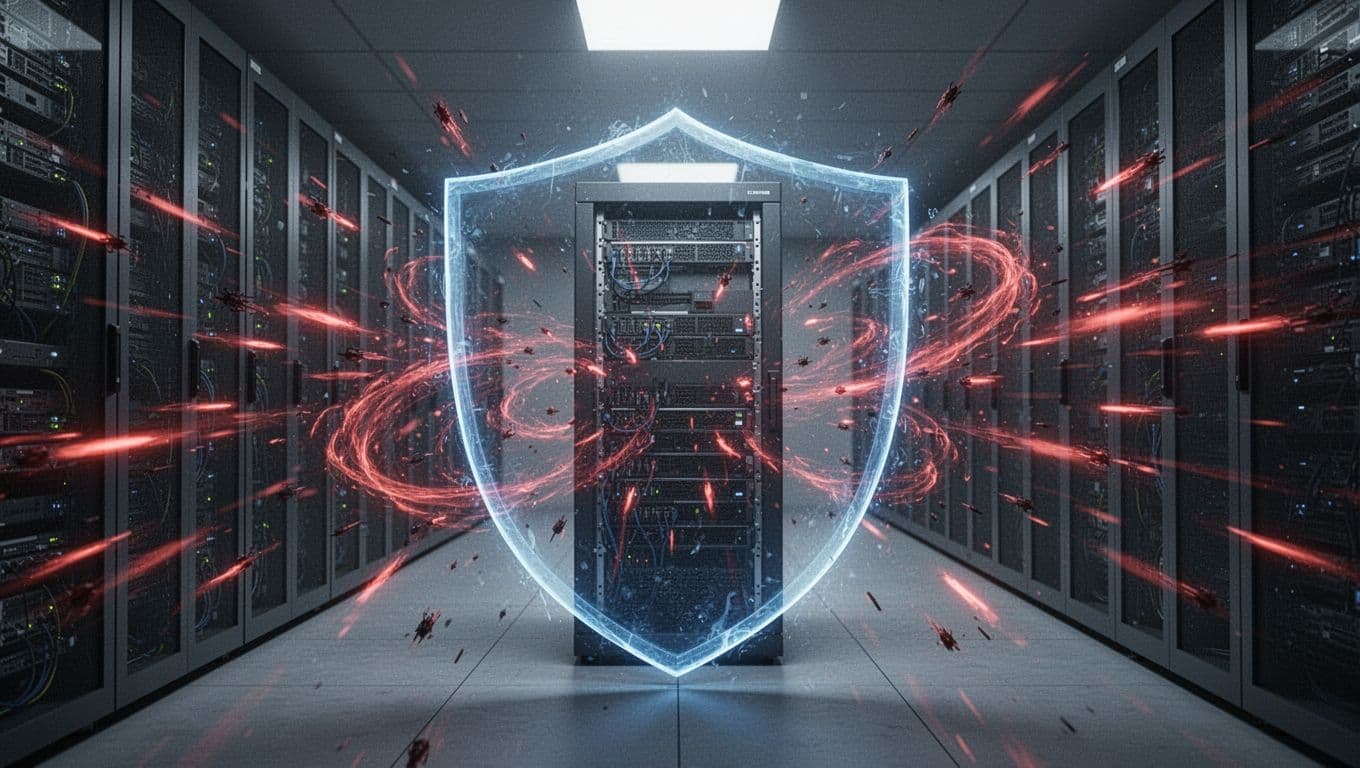
However, a firewall has limits. It doesn’t remove malware that’s already inside our files or database. It also won’t fix weak passwords, restore deleted pages, or replace backups. So, while a firewall helps stop many attacks at the door, it doesn’t tell us whether someone already slipped inside last week.
For most live business sites, that prevention layer is where we start. It cuts noise, blocks a lot of automated abuse, and buys us time.
What a malware scanner does after code reaches the site
A malware scanner checks our website for signs of infection. It looks through files, themes, plugins, and sometimes the database for malicious code, backdoors, spam injections, hidden redirects, and other signs that something is wrong.
This is the inspection step. If our site has already been hacked, or if we suspect something odd, such as sudden slowdowns, strange pages, or blacklisting, a scanner helps confirm the problem. Many tools also compare current files with known clean versions, which makes tampering easier to spot.
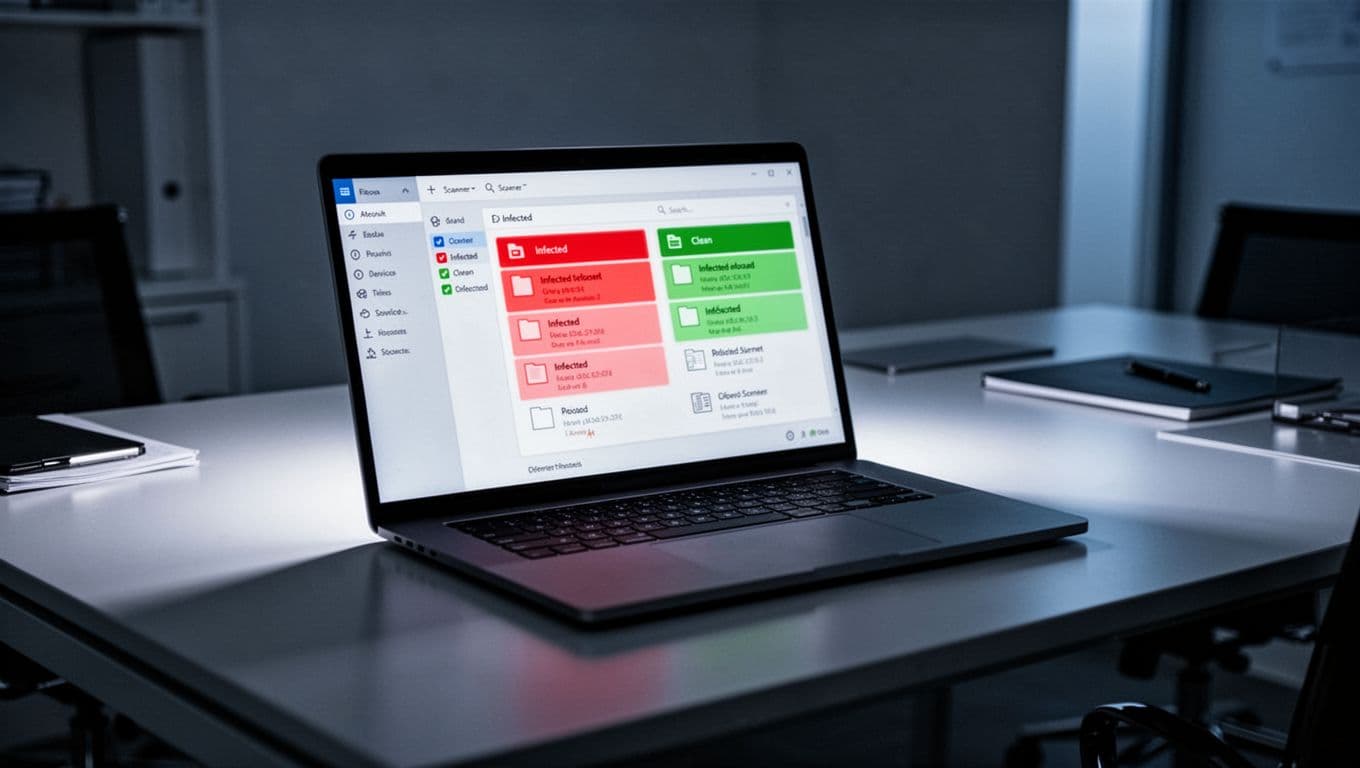
Still, scanners usually work on a schedule or on demand. That means malware can sit on the site between scans. Some scanners only detect problems, while cleanup requires extra steps. Also, if stolen credentials let an attacker log in normally, the scanner may not stop the first intrusion.
Many security platforms combine both layers now, which we can see in website protection feature sets. That bundled approach makes sense because detection alone is slower and prevention alone is incomplete.
Website firewall vs malware scanner, side by side
The simplest way to compare them is to look at timing and purpose.
| Security layer | Main job | Best moment | Main weakness |
|---|---|---|---|
| Website firewall | Blocks malicious traffic and exploit attempts | Before requests hit the site | Can’t clean existing infections |
| Malware scanner | Finds malicious code and file changes | After code lands or during routine checks | Can’t stop every attack in real time |
A firewall lowers the odds of infection. A scanner lowers the odds that malware stays hidden.
So, which should we buy first? If the site is live and taking traffic, the firewall usually gives us more immediate value. It protects login pages, forms, carts, and admin areas while attacks are happening. By contrast, a scanner helps most when we already suspect trouble, or when we want regular verification that the site is clean.
That doesn’t make the scanner optional. It makes it the second layer. A firewall can miss something new, a bad plugin update, or a stolen login. Then the scanner helps us catch what got through.
What belongs in a small business hosting stack
If we’re spending money on protection, we want a stack that reduces cleanup work, not one that adds more dashboards. For most small business sites, that means firewall first, scanner next, then backups and encryption around them.
We also want SSL because it protects logins, forms, and checkout data in transit. Still, SSL doesn’t block attacks or scan files. That’s why basic encryption and threat protection belong together. We can add essential SSL for websites as a foundation, and if we want less hands-on upkeep, managed SSL certificates make that part easier to maintain.
This is where hosting matters. We prefer a provider that pairs reliable hosting with security add-ons, backups, and support, because patching together random tools gets expensive fast. When something breaks, one trusted stack is easier to manage than five plugins and crossed fingers.
A small business site doesn’t need enterprise complexity. It does need the right layers in the right order. If we’re choosing between the two, we start with the firewall. If we want real protection, we add the scanner and build on secure hosting from there.