
One bad plugin update can break a checkout page, hide a form, or turn a homepage into a blank screen. That is why a WordPress staging site matters.
When we test changes on a private copy first, we catch conflicts before visitors do. We also protect traffic, leads, and sales while we work. If our host includes staging, backups, and support in the same plan, the whole job gets easier.
Why a WordPress staging site should be part of every update
A staging site is a copy of our live WordPress site. It uses the same theme, plugins, settings, and content, but the public never sees the changes we make there. It is where we can update, tweak, and test without touching the live version.
That matters because updates often fail for boring reasons, not dramatic ones. A plugin conflicts with another plugin. A theme reacts badly to a new PHP version. A cached file loads the wrong layout. The official WordPress.com staging guide recommends cloning the site first for exactly that reason.
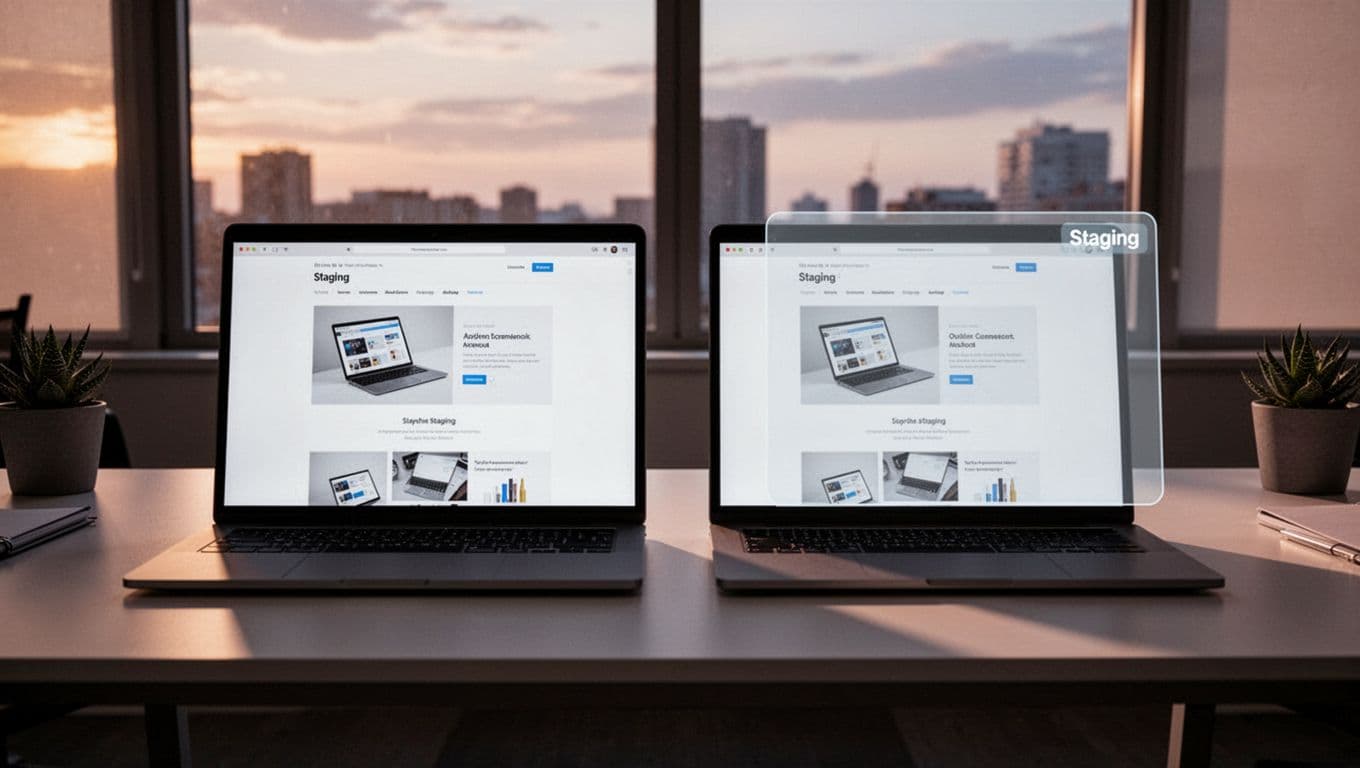
When staging is built into hosting, the process is faster and safer. With WordPress hosting with staging sites, we can clone a site in a few clicks, test updates, and restore quickly if something goes wrong. That beats editing a live site and hoping nothing breaks.
For business sites, the value is simple. We protect uptime, keep trust intact, and spend less time fixing avoidable problems.
Setting up staging without making it complicated
The easiest route is host-level staging. Many providers place it right in