
A website can disappear for 20 minutes and still cost us real money. When we run a small business site, missed orders, lost calls, and bad first impressions pile up fast.
That is why website uptime monitoring matters. It watches our site day and night, then alerts us when visitors can’t get in. If we care about reliable hosting, we need more than hope.
Why downtime hurts small business sites so quickly
Recent 2026 estimates put small-business downtime at about $500 to $5,000 per hour, and some industries lose much more. The bill gets larger when we add idle staff, refunds, and customers who never come back. A down site is a locked front door during business hours.
Many owners still find out the hard way. A customer sends a message. A cart stops converting. A contact form goes silent. By then, the problem has already been live for too long. If we want a quick view of the options available, AlertSleep’s roundup of uptime tools shows how much the small-business market has improved.

Downtime hits twice, first in missed sales, then in lost trust.
Monitoring shortens that gap between failure and response. It also tells us when the real problem is our hosting. If outages keep repeating, we need better uptime, stronger support, and a safer setup, not more guesswork.
How website uptime monitoring works in real time
A monitoring service checks our site every minute, or every few minutes, from outside our server. It loads a page or sends an HTTP request, then records whether the site answered, how fast it replied, and whether the SSL certificate still looks healthy. That matters because a site can be “up” yet still unusable.
Better tools do one more helpful thing. They retry from another location before they send an alert. That extra check cuts false alarms and helps us catch regional problems, DNS trouble, and brief host issues without chasing ghosts.
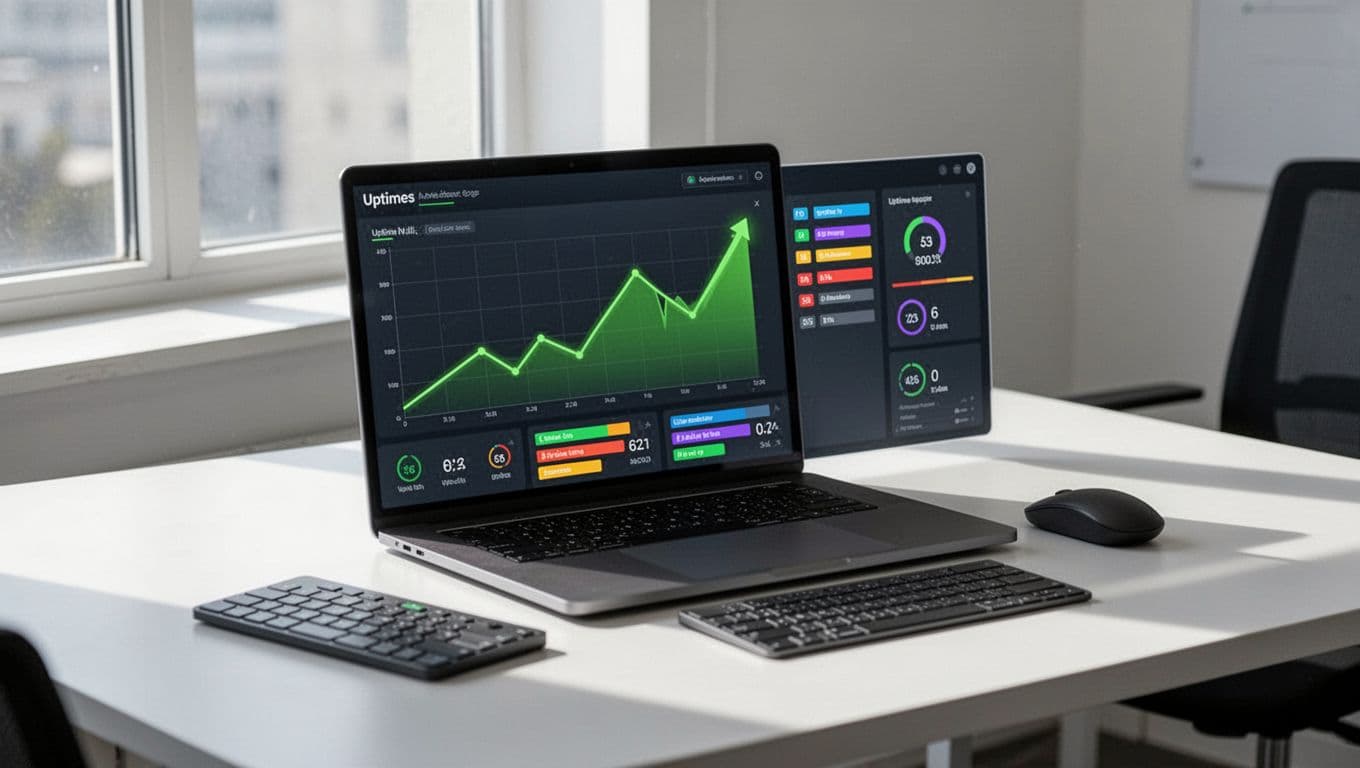
Most small business teams only need a handful of core checks.
| Check | What it catches | Why it matters |
|---|---|---|
| HTTP or HTTPS | Site is unreachable or returns an error | We know visitors cannot load the site |
| Response time | Slow server or overloaded plan | We can act before slowness turns into lost sales |
| SSL status | Expired or broken certificate | Browsers may warn visitors away |
| Page content | Error page loads instead of real content | We catch failures that hide behind a normal status code |
That simple mix covers most business sites. As our site grows, we can monitor checkout pages, logins, forms, or APIs too. The goal is not a complex dashboard. The goal is fast, clear action.
The features that matter most when we’re choosing a tool
A flashy interface does not help during an outage. We need alerts that reach us fast, plus reports we can understand in seconds. Many newer services focus on that plain-language approach, including Simple Uptime’s monitoring service and PingBuoy’s website monitoring overview.
Many of us are on the road, in a meeting, or helping customers. So mobile alerts matter more than a fancy chart.

When we compare tools, a few features carry most of the weight:
- Fast check intervals, usually one to five minutes, so we do not lose half an afternoon.
- Alerts by email, SMS, mobile push, or Slack, because many of us are not at a desk all day.
- Multi-location checks, which help separate real outages from local network hiccups.
- SSL and domain expiry warnings, so trust issues do not sneak up on us.
- Clean incident history, which helps us spot patterns and judge our host fairly.
Free plans work for a basic brochure site. However, a store, booking system, or lead-heavy site needs faster checks and better alerts. Monitoring usually costs far less than one short outage, so this is an easy place to spend wisely.
Monitoring tells us when we’re down, hosting decides how often
Monitoring is only half the safety net. It tells us when trouble starts, but it does not fix weak hosting, old plugins, or a server with too few resources. If alerts keep showing up, the smarter move may be to upgrade the platform under the site.
Cheap hosting often looks fine until traffic spikes or a plugin update goes sideways. Then slow response times become timeout errors and failed checkouts. That is why we sell hosting as a reliability choice, not only a price choice.
That is where our products come in. Our cPanel hosting and WordPress hosting give small business sites a strong base. When traffic climbs, Web Hosting Plus and VPS plans give us more headroom without a painful rebuild. Our website security packages add monitoring, malware protection, backups, and CDN/DDoS coverage, while 24/7 support helps us recover faster.
When we wait for customers to report a broken site, we are already late. Website uptime monitoring closes that gap, protects trust, and gives us time to act.
Paired with dependable hosting, it becomes much more valuable. We spend less time guessing, more time growing, and we stop leaving revenue up to chance.