
A store can look polished and still stumble on day one. If pages drag, checkout hangs, or SSL is missing, shoppers leave fast.
That’s why WooCommerce hosting deserves attention before we upload products and hit publish. When we choose the right setup early, we save money, stress, and lost sales later. Let’s check the parts that matter most before launch.
Start with hosting built for a real WooCommerce store
WooCommerce is not a simple brochure site. It handles carts, customer accounts, live inventory, and payment steps. So a bargain plan that works for a blog can feel like a tiny engine pulling a loaded truck.
As of April 2026, the baseline is clear. We want PHP 7.4 or higher, MySQL 8.0 or MariaDB 10.4+, at least 256MB of WordPress memory, HTTPS, and fast NVMe storage. For busier shops, Redis object caching and more PHP workers give us breathing room during traffic spikes.
A smart launch plan should include these basics:
- Modern server stack, so WooCommerce and plugins run on current software.
- Room to grow, because product pages, search, and checkout add load fast.
- Easy upgrades, so we can move up without rebuilding the store.
- One-click WordPress setup, because launch week is busy enough already.
For most new stores, we would skip generic hosting and start with WordPress hosting plans that are built for WordPress from the start. That gives us a cleaner setup, simpler management, and a clear path to stronger plans when traffic climbs. If we expect larger catalogs or sales events, moving to a higher tier or VPS sooner is often cheaper than fixing a slow store later.
A practical pre-launch WooCommerce hosting checklist makes the same point, hosting problems usually show up at the worst time, right when real shoppers arrive.
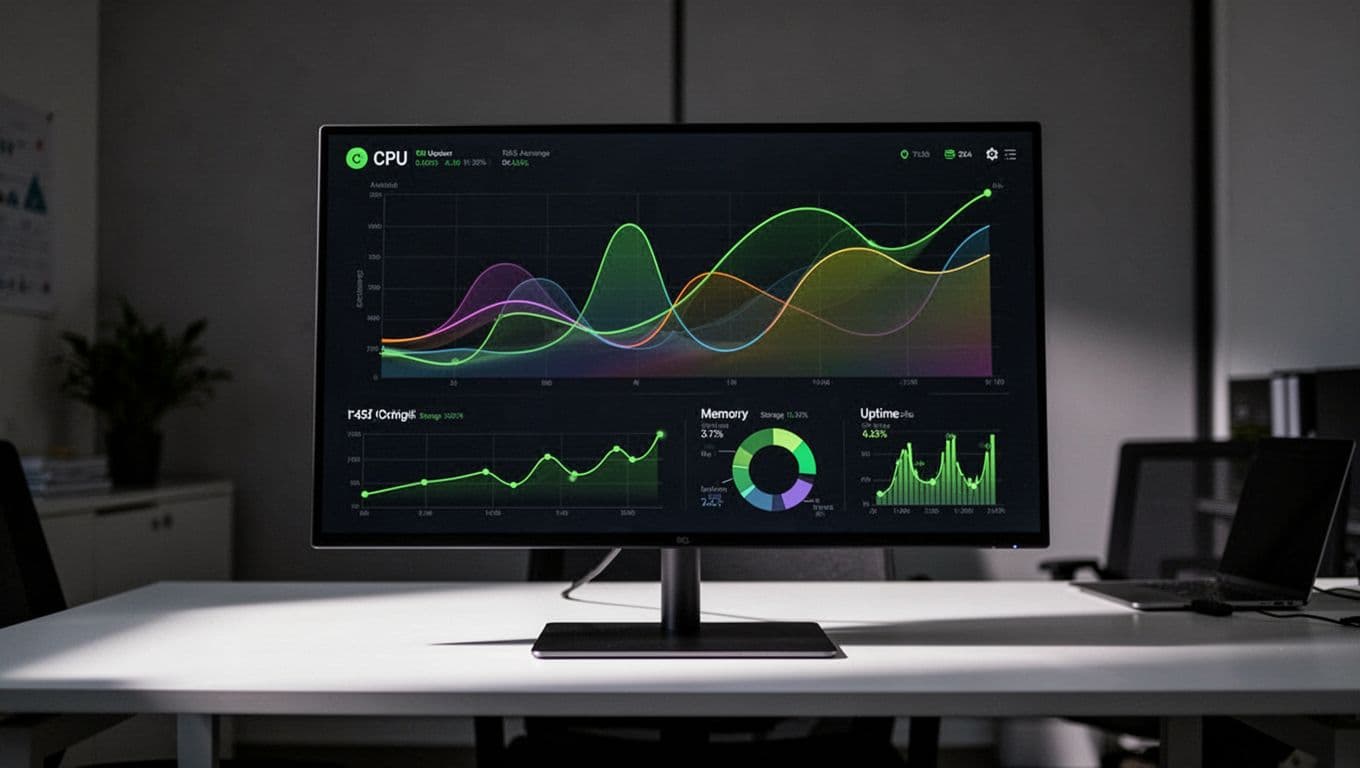
Speed checks that protect sales before launch
Speed is not a nice extra. It shapes trust. A slow store feels shaky, even when the design looks good.
First, we want the server close to our main customers. Distance adds delay. Next, we need caching set up the right way. Product and blog pages can cache aggressively, but cart, checkout, and account pages need special handling. If the cache is sloppy, shoppers see the wrong cart or stale totals. No store wants that.
We also want a CDN, image compression, and a test run with a few heavy plugins active. That gives us a better picture of how the store behaves under normal pressure. If we’re planning paid ads or a launch email blast, we should ask how many PHP workers the plan provides and whether the host offers staging. A staging site lets us test updates without touching the live store.
If we are still sizing a plan, this WooCommerce hosting requirements guide is a useful reality check. It helps us match traffic, RAM, CPU, and catalog size before launch, not after complaints begin.
Cheap hosting looks fine until the first sales spike. Then every extra second feels expensive.
This is where product choice matters. We want hosting that makes performance simple, not a puzzle. A plan with caching support, current PHP versions, and a clean upgrade path gives us breathing room from day one.
Lock down security, backups, and support
Security starts with SSL, but it shouldn’t stop there. We also want automatic backups, malware scanning, plugin updates, and a host that watches for trouble around the clock. When people type card details into our store, peace of mind matters as much as page speed.

Before launch, we should confirm that backups run on a schedule and that restore points are easy to access. Better yet, test one restore on staging. If a plugin update breaks checkout on a Friday night, we don’t want to guess our way back.
If we can’t restore a backup quickly, we don’t have a backup plan.
Support also belongs on the checklist. Live chat or 24/7 ticket help sounds boring until something breaks at midnight. Then it feels like oxygen. Save a good WooCommerce maintenance checklist as well, because launch day is only the start. Stores need routine care to stay fast and safe.
This is also where a better hosting provider earns its keep. Free SSL, backup options, security add-ons, CDN support, and real human help can spare us hours of cleanup later. In other words, we are not buying disk space. We are buying stability when money is on the line.
A WooCommerce store doesn’t fail because the logo was the wrong shade of blue. It fails when the hosting underneath it is too weak, too slow, or too hard to manage.
If we want a smoother launch, we should choose hosting that fits the store we plan to build, not the smallest bill we can find today. Start with solid WordPress-ready hosting, keep speed and backups on the shortlist, and give the store room to grow. That is how we open with confidence, and keep sales moving once the doors are open.